Advanced Radiography
Inspection
A streamlined NDT platform redesigned for faster decisions and reliable outcomes.
 In a nutshell
 In a nutshell
A redesigned NDT X-ray inspection platform enabling real-time, high-accuracy defect detection. Built for speed, usability, and reliability, it helps inspection teams ensure zero-defect manufacturing while meeting safety and compliance standards.
User Goals
Core expectations shaping the inspection experience.

Detect defects quickly and accurately in real time

Work efficiently with minimal steps and reduced effort

Ensure safety and compliance without slowing inspections

Use the system easily with low learning effort & clear guidance
The Personas
These personas reflect the people responsible for quality and safety on the ground. They help shape intuitive, efficient, and reliable inspection experiences.

Anita Verma
Radiation Operator

A frontline X-ray inspection operator focused on fast defect detection and smooth production flow.
Frustrations -
- Complex and cluttered software interfaces slow her down during high-pressure production cycles
- Limited access to advanced tools and training restricts her efficiency and career growth
Rakesh Sharma
Radiation Safety Officer
A senior quality and compliance expert ensuring accurate, standards-driven secondary inspections.
Frustrations -
- Overly complex inspection workflows increase inspection time and mental fatigue
- Lack of ongoing support and updates makes it harder to stay current with evolving standards and tools

Competitive Landscape
Studying proven software solutions to evaluate strengths and usability gaps. Insights from this analysis informed design decisions around usability, flexibility, and efficiency.

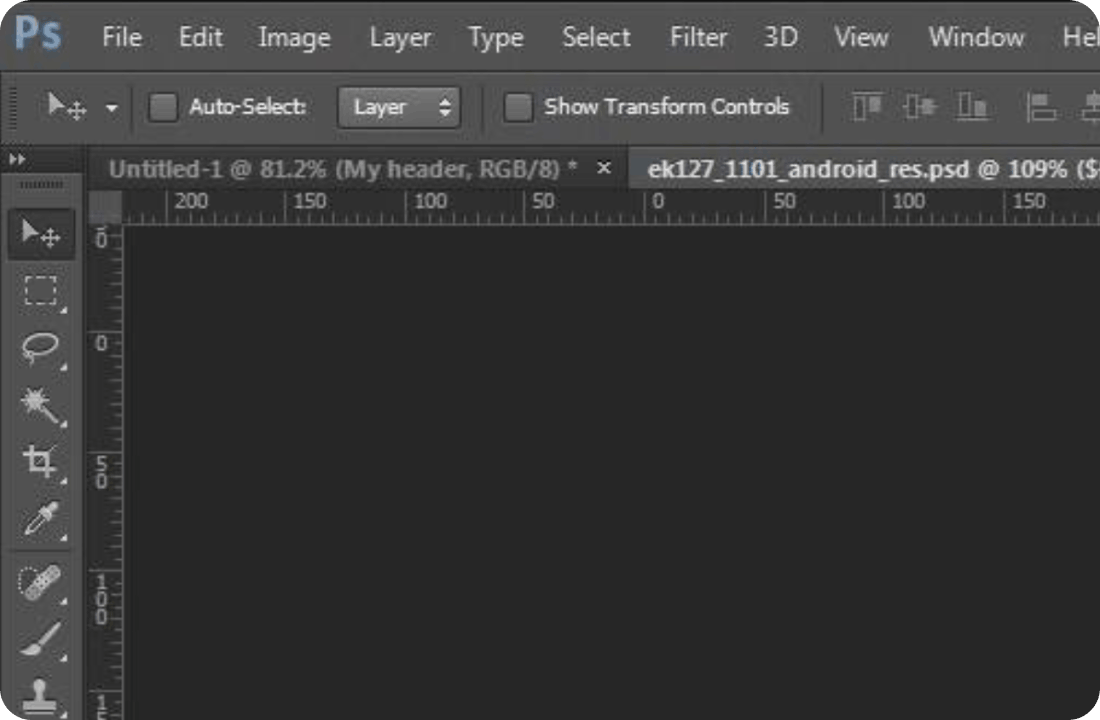
Rhythm Insight RT
- Purpose-built for NDT workflows with strong inspection and compliance tools
- Powerful but complex interface, creating a steep learning curve for new users
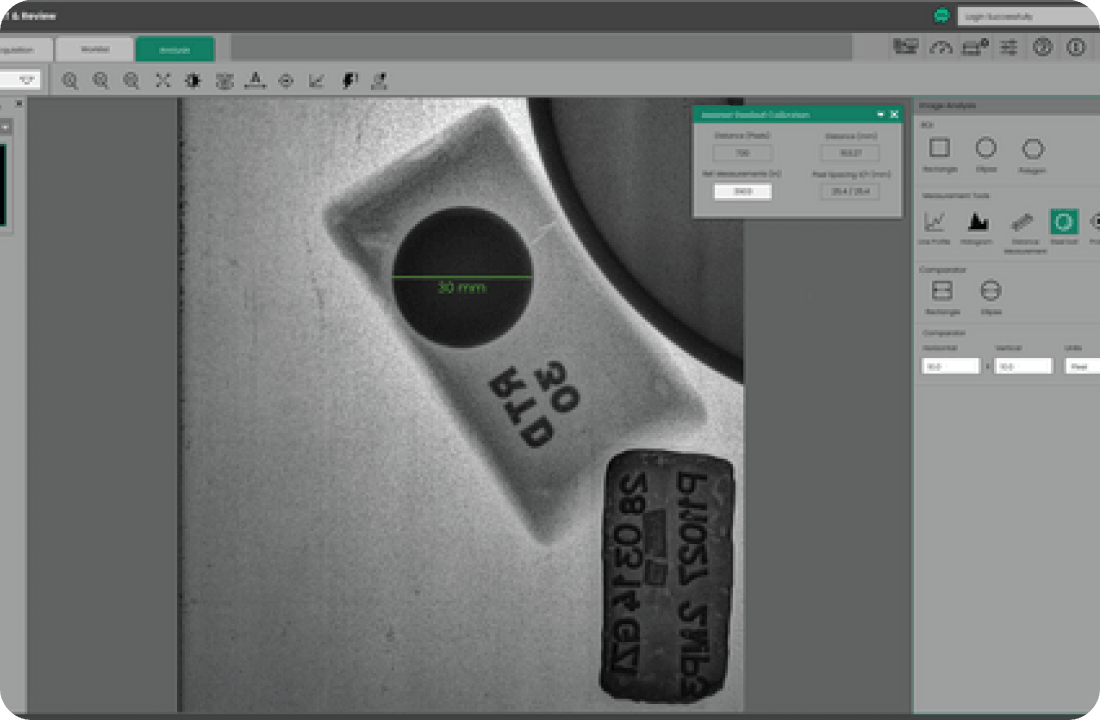

Photoshop
- Workspace-first design with compact toolbars maximizing focus on content
- Contextual panels reduce clutter by showing only relevant controls

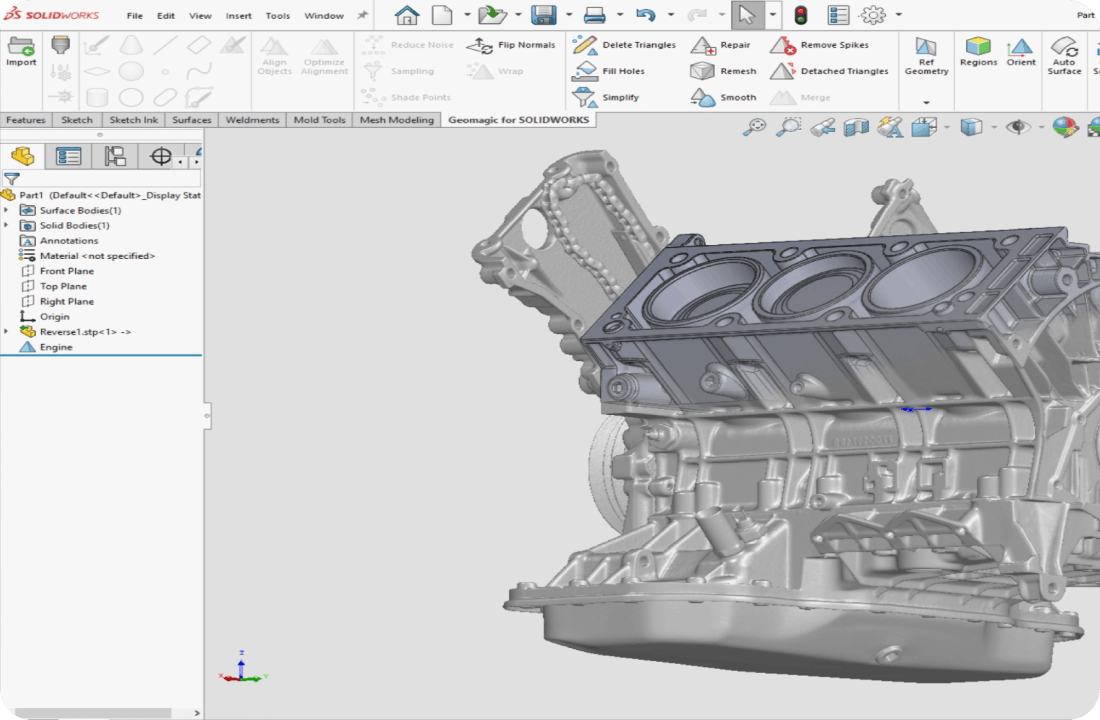
SolidWorks
- Structured, ribbon-based interface optimized for complex engineering tasks
- Consistent design patterns improve efficiency and reduce cognitive load over time

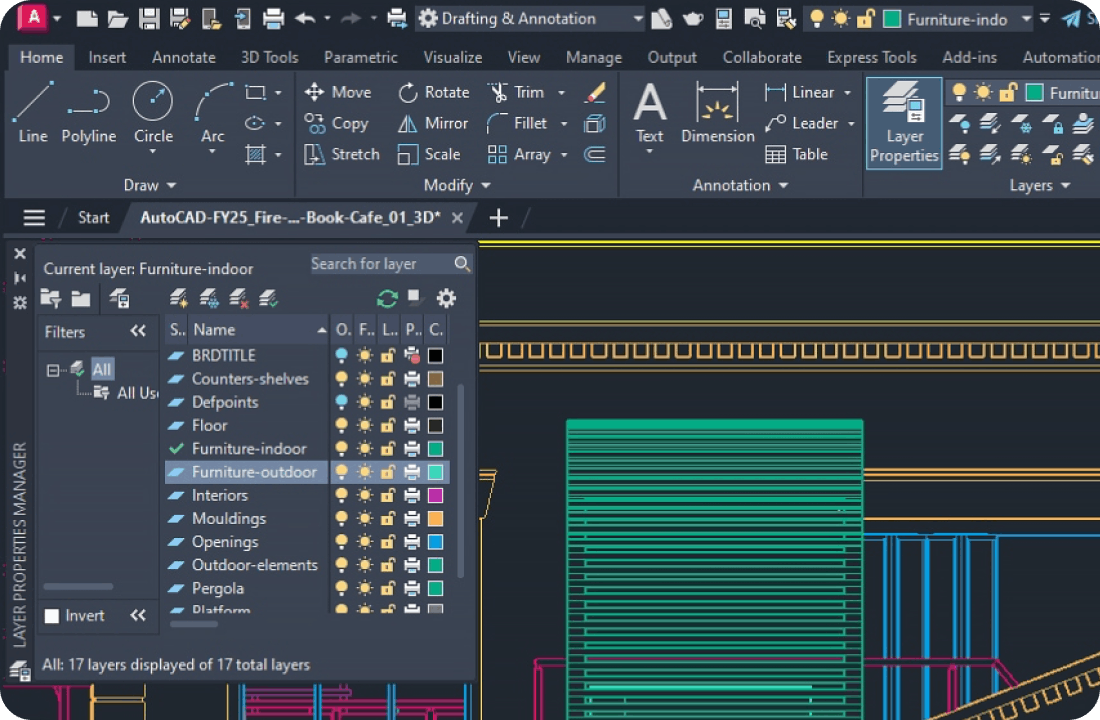
AutoCAD
- Highly customizable workspace supporting flexible, task-specific workflows
- Extensive guidance and familiarity help reduce onboarding effort across skill levels
Concept Development
Multiple concepts were evaluated to improve speed and usability. Iterations refined the experience based on task complexity and user needs.
Modern Minimal Interface
- Focuses on a clean, clutter-free workspace to reduce cognitive load
- Leverages existing user mental models to reduce learning time
Evolution of Design
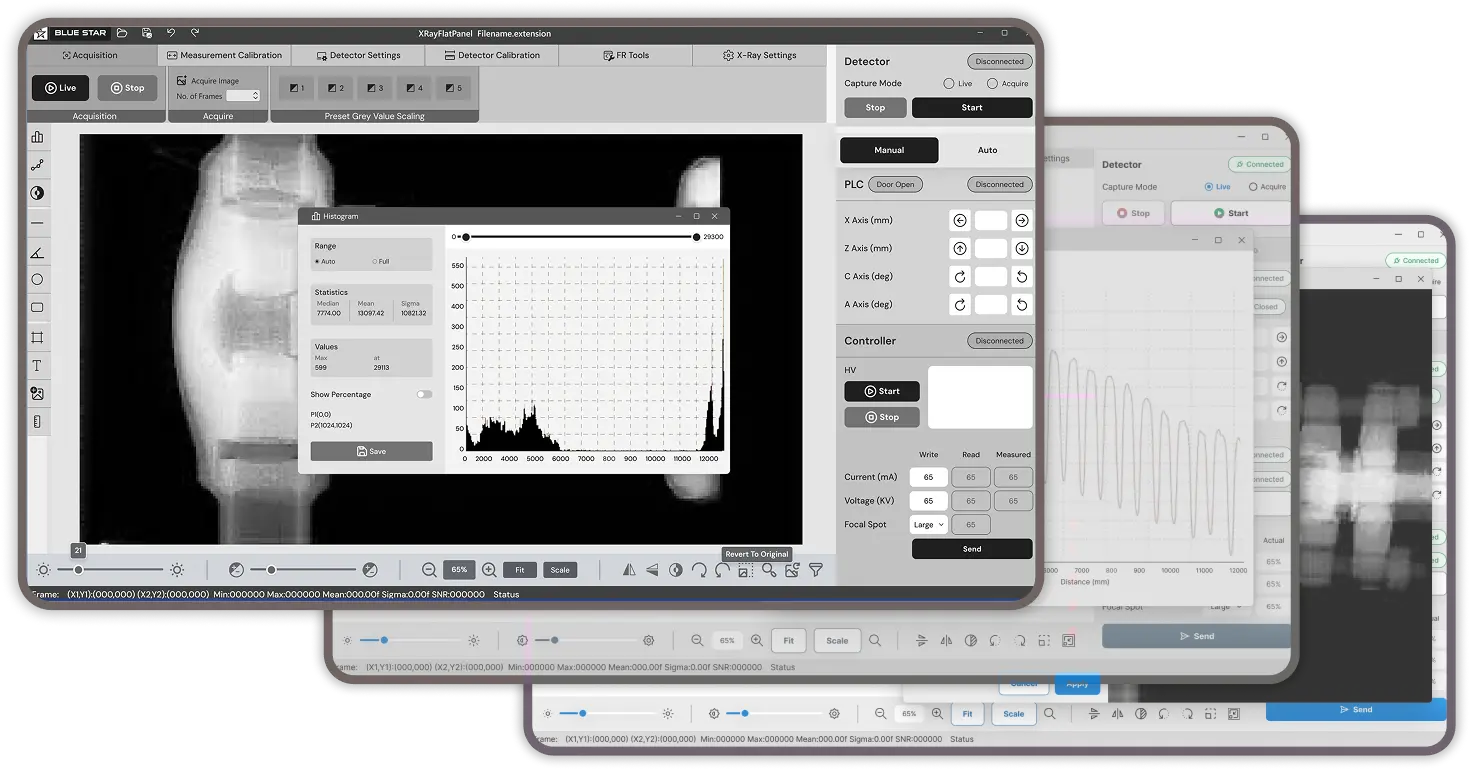
Comparing the legacy experience with the redesigned interface to showcase key improvements.
Existing
- Tool-heavy interface with scattered controls competing for attention
- Limited focus on inspection image, increasing cognitive load and effort
Enhanced
- Workspace-first layout keeping the X-ray image central and prominent
- Contextual, organized controls enabling faster actions and clearer workflows
Existing
- Separate histogram window interrupts inspection flow
- Dense controls and overlays increase cognitive load
Enhanced
- Integrated histogram panel within the inspection workspace
- Contextual, compact controls keep focus on the X-ray image
Crafted Experiences
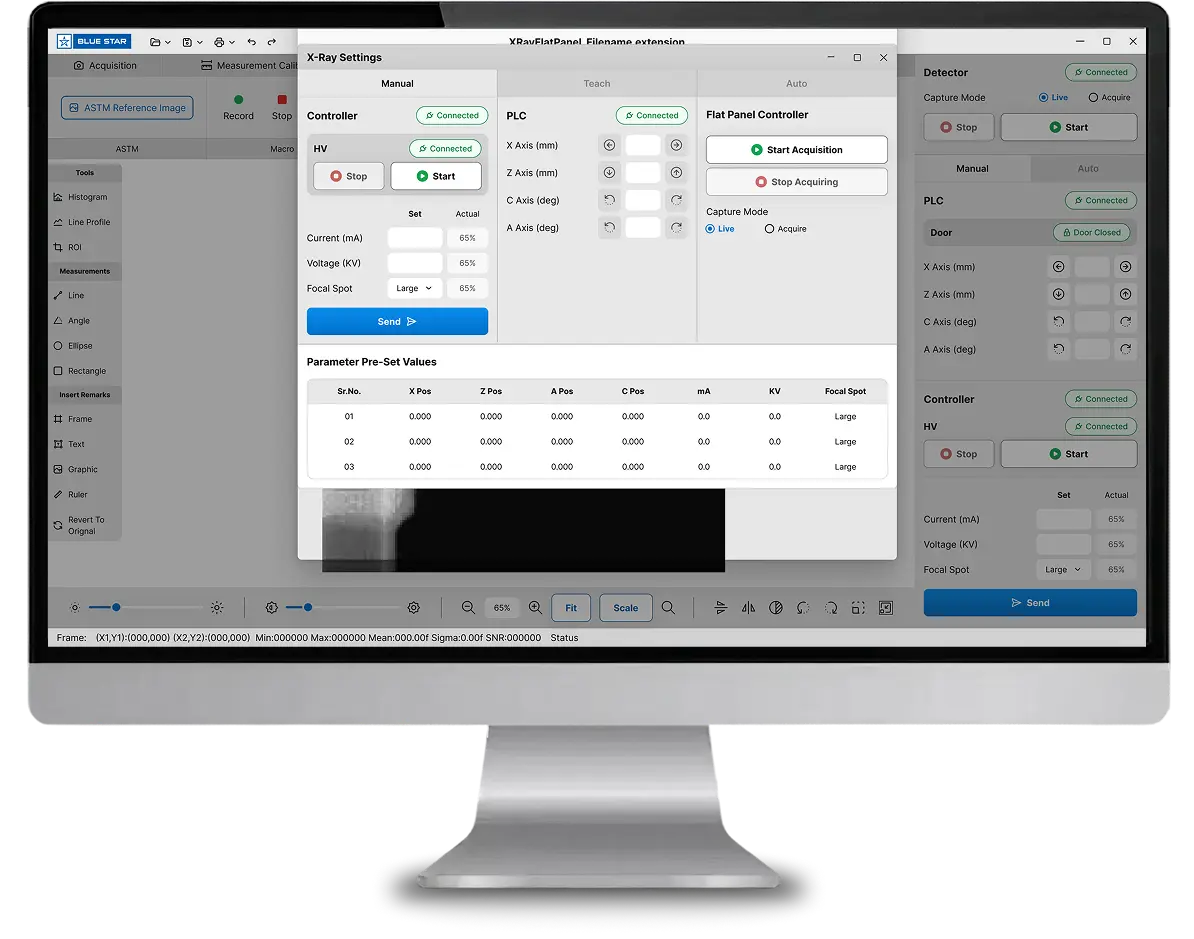
XRay Settings Manual
- Centralized X-ray controls allow operators to manage exposure, motion axes, and capture modes from a single interface.
- Structured presets and real-time status indicators improve accuracy, safety, and consistency during inspections.
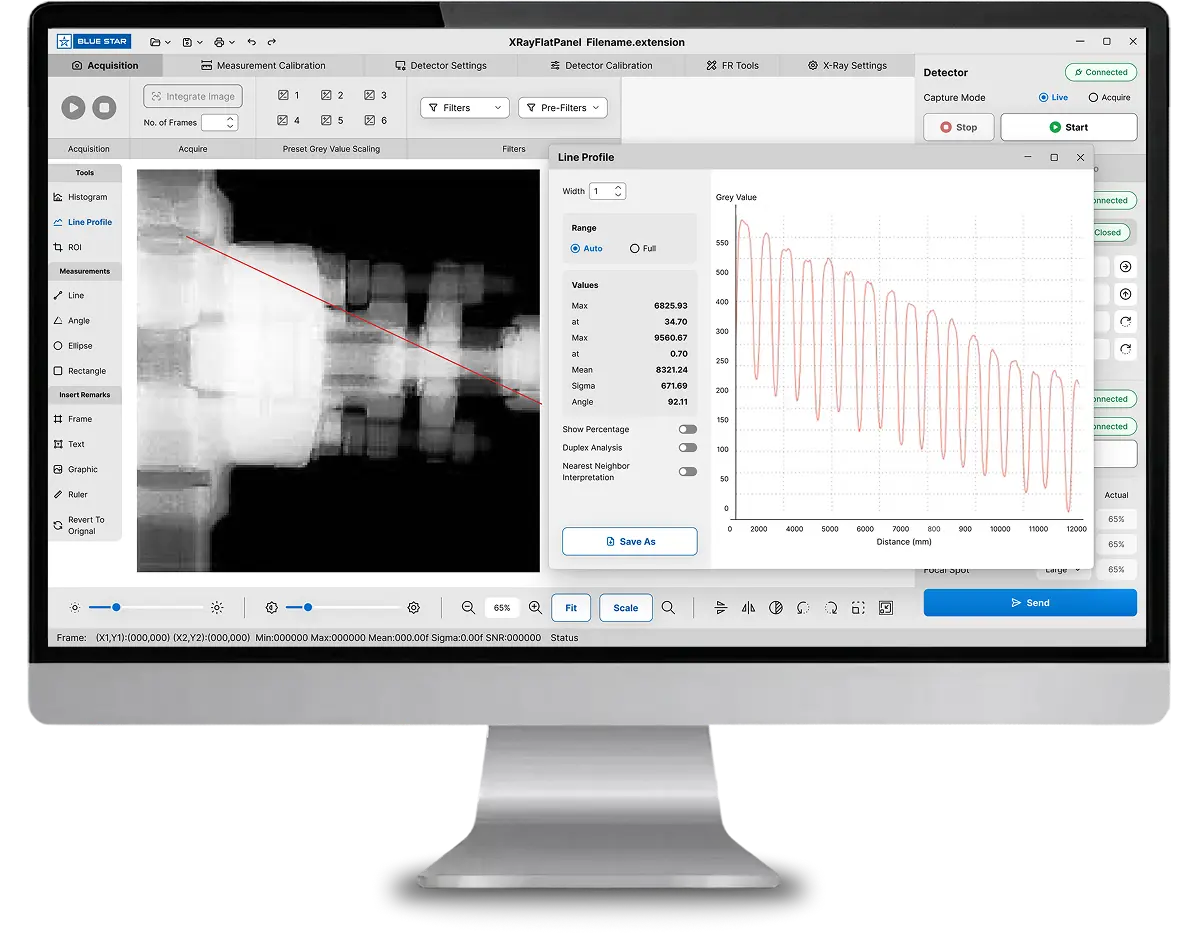
Line Profile Analysis
- Visualizes grey-value variation along a selected line to analyze internal density changes.
- Supports precise defect assessment through real-time graphs and measurable data points.
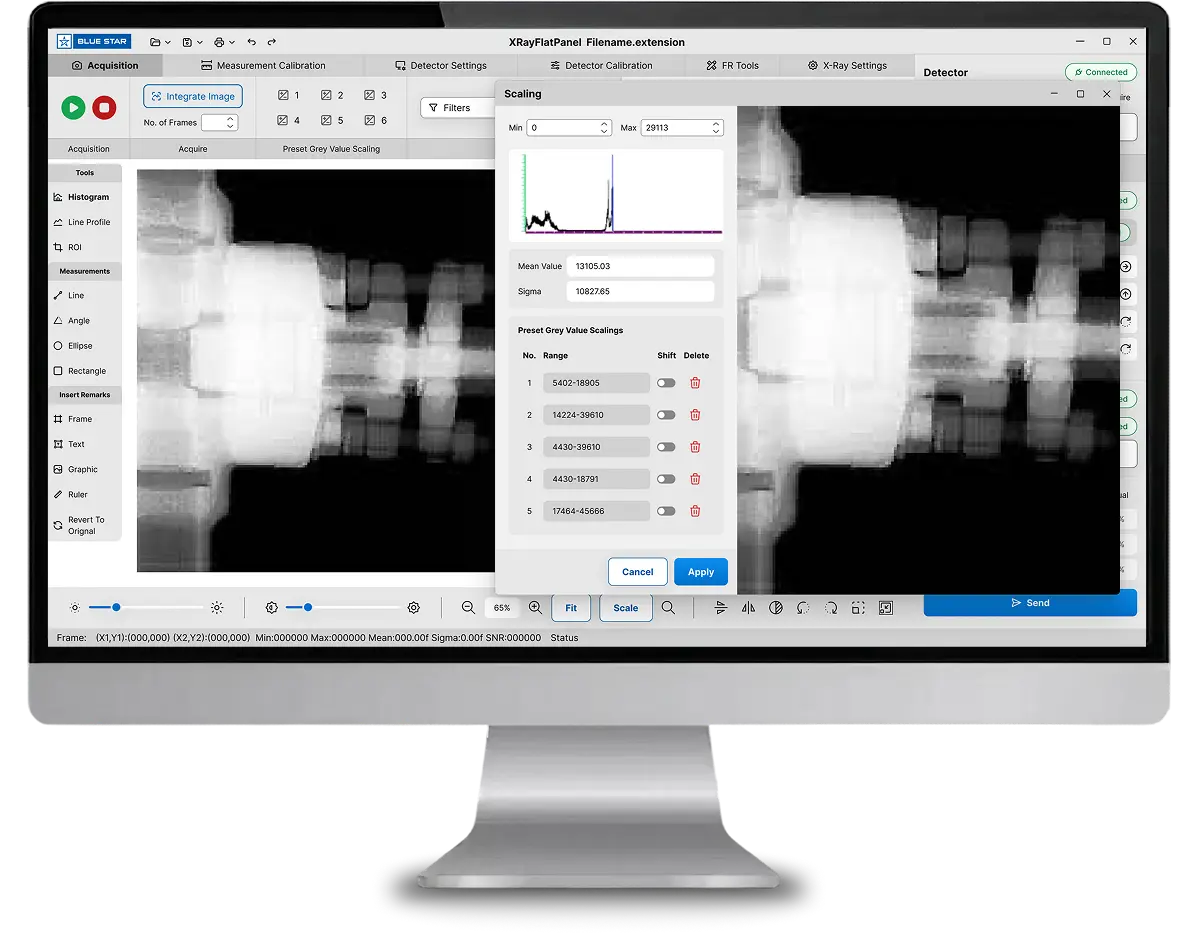
Grey Value Scaling
- Allows controlled adjustment of image contrast and intensity using histogram-based scaling.
- Enables preset ranges for consistent visibility and faster inspection across similar parts.