Optimising automation experience
Automation software for validation and design engineers to run validation tests on devices and hardware

In a nutshell
An automation software that gives validation and design engineers a simplified user experience through smooth automation, flexibility and quick communication. The primary goal of this platform is to increase the productivity of the users through data-driven insights and analytics. Tektronix approached yuj to enhance the user experience of automation software in order to increase the scalability and usability for retention and acquisition by customers through an automation platform.
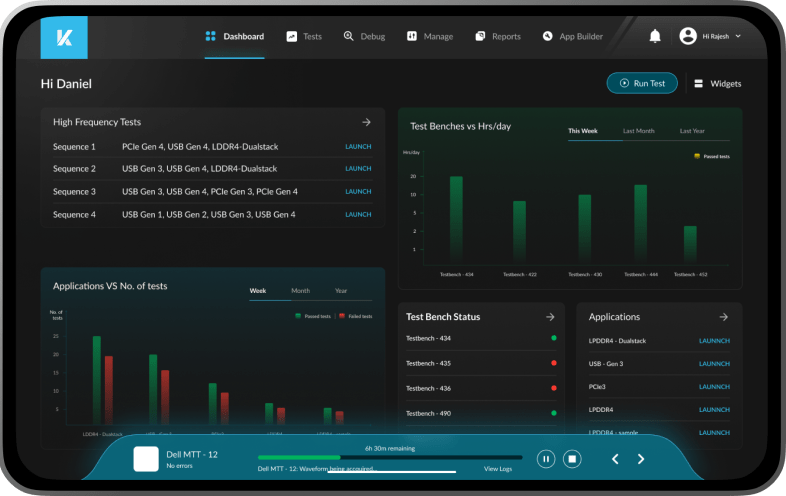
Defining the challenges
By addressing pain points and leveraging technology, yuj aimed to empower validation engineers to create tests faster and more effectively, ultimately contributing to a significant improvement in their overall workflow.
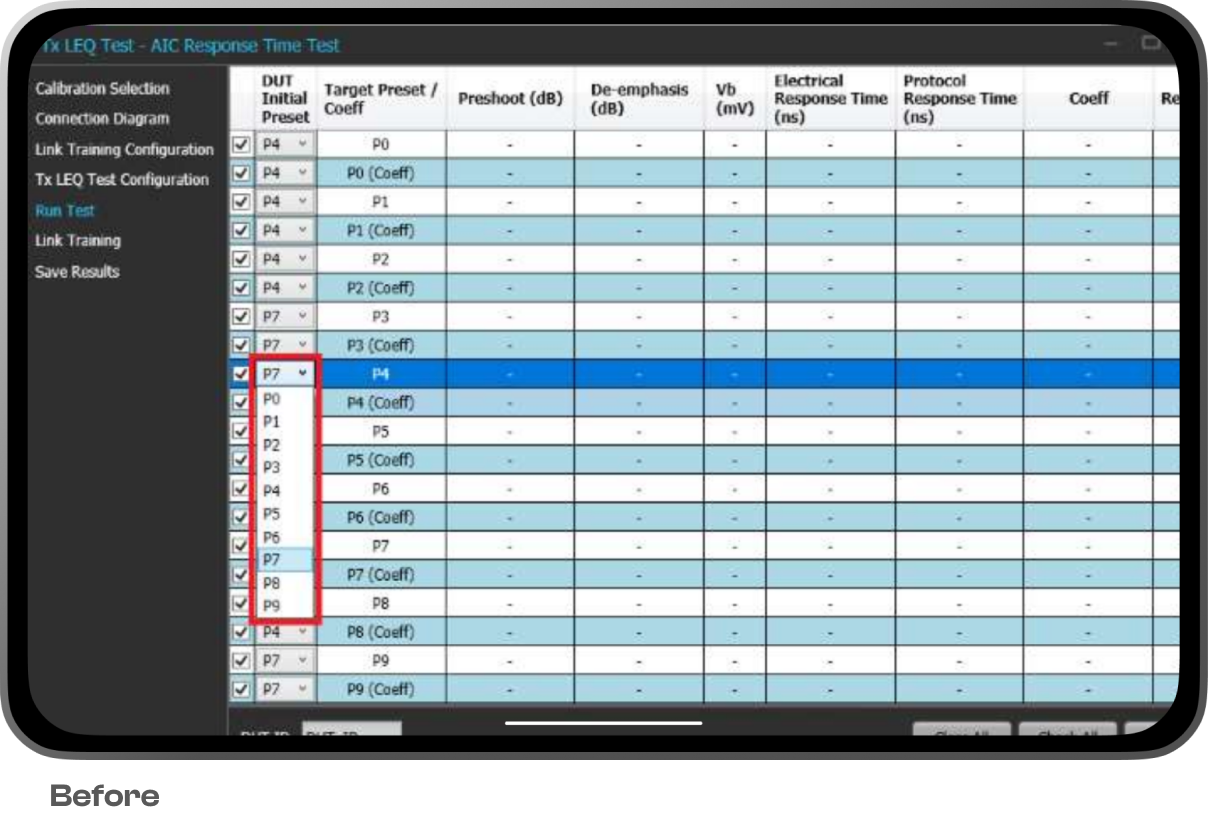
- Tests require a lot of manual configuration and settings to be done.
- The relevant information and actions are buried deep inside the IA to trigger actions.
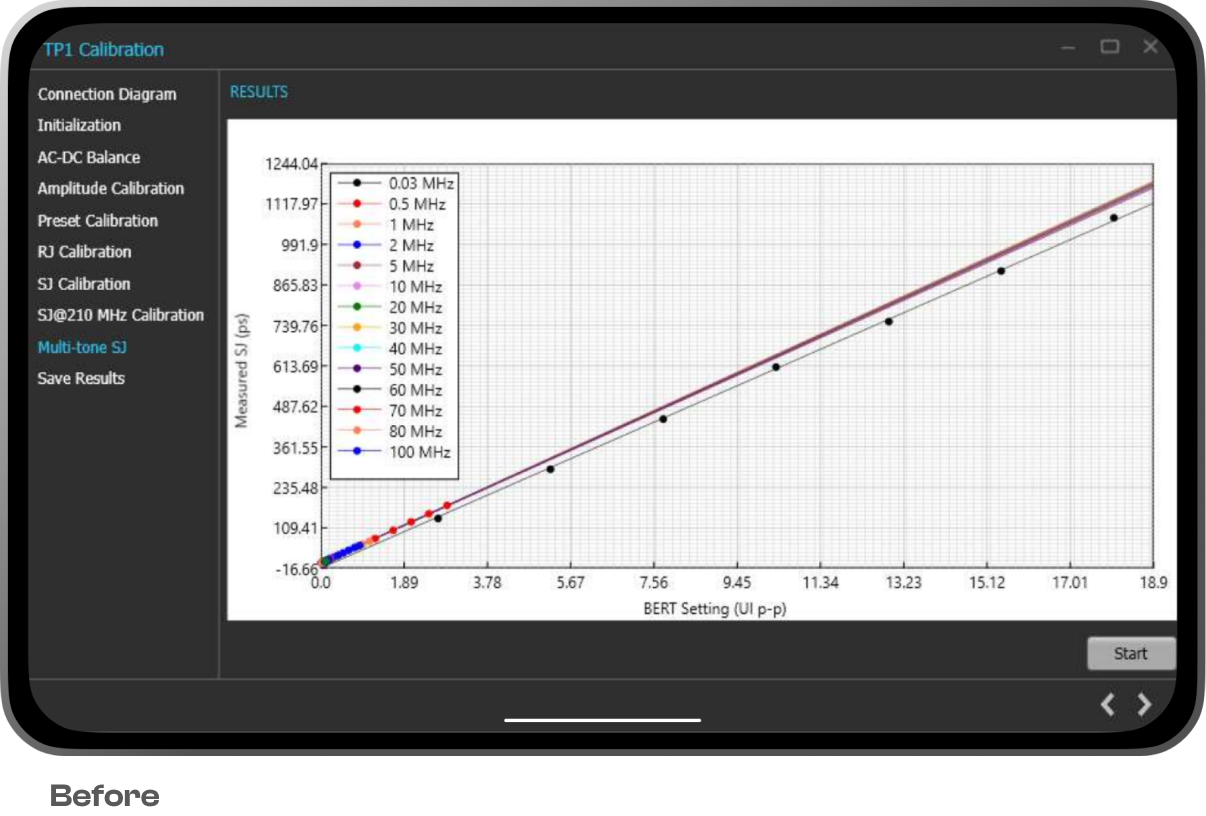
- No provision of inspecting a waveform or a test for critical decisions.
- A user has to run multiple dedicated software to achieve a full end-to-end test automation in a complete setup.
Paving the journey

Nick, 35
Validation Engineer
Nick takes charge of testing, evaluating & validating silicon. He ensures functionality and compatibility of the chips as per the benchmarks. He is responsible for analysing and documenting test results and creating a database to track validation activities within the engineering workflow.
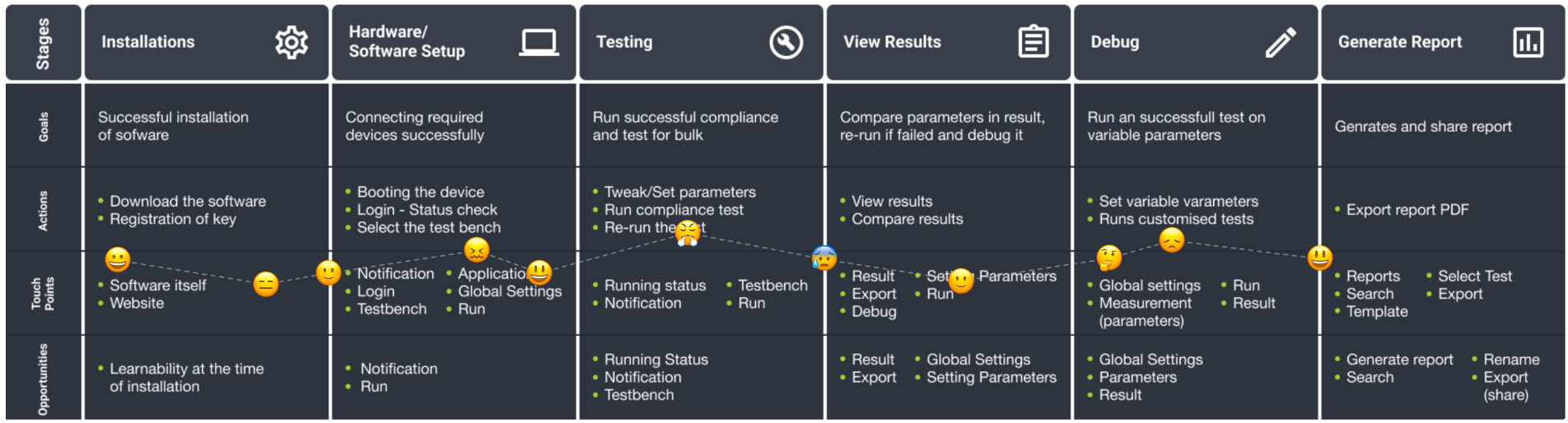
The designed workflow
Designed for optimal user experience, this software prioritises ease of learning and task completion. It maintains a familiar mental model for users of older software while seamlessly integrating new products into the validation workflow in support of scalable device testing.
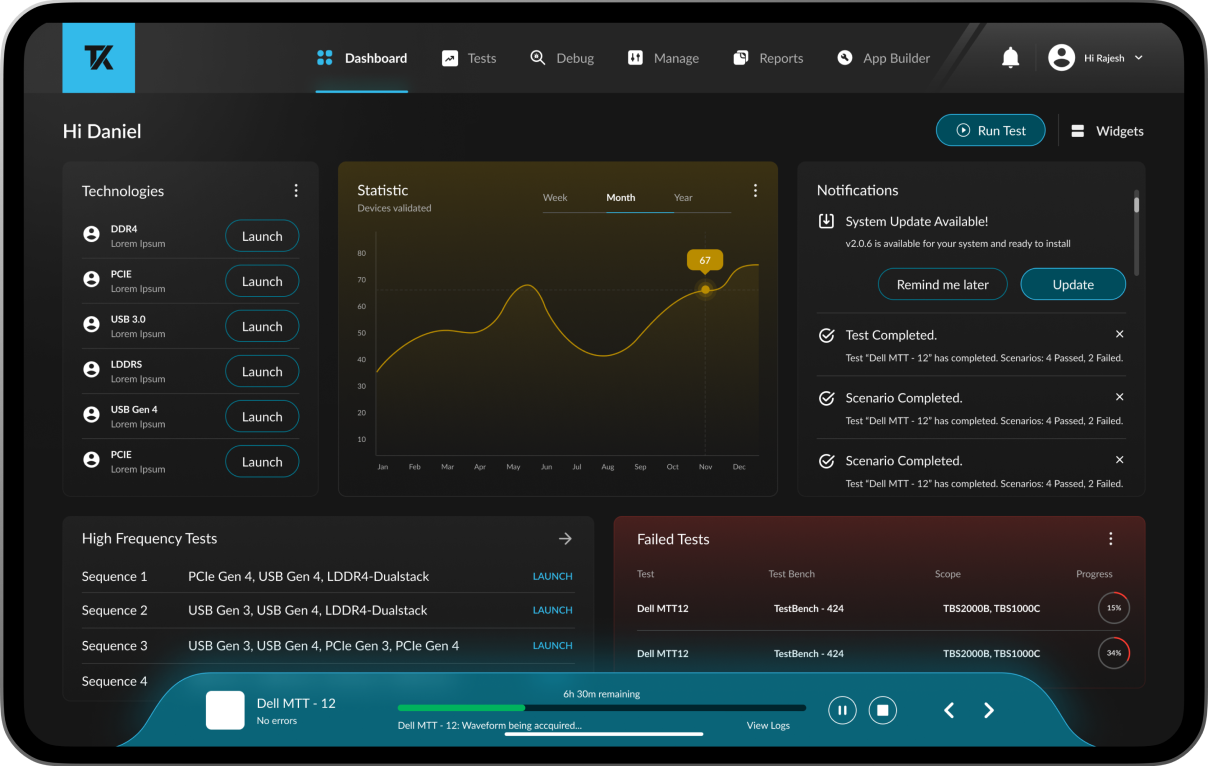
Dashboard
The platform provides personalisation and customisation options, delivers updates and insights for system events, and features robust data visualisation and analytics capabilities.
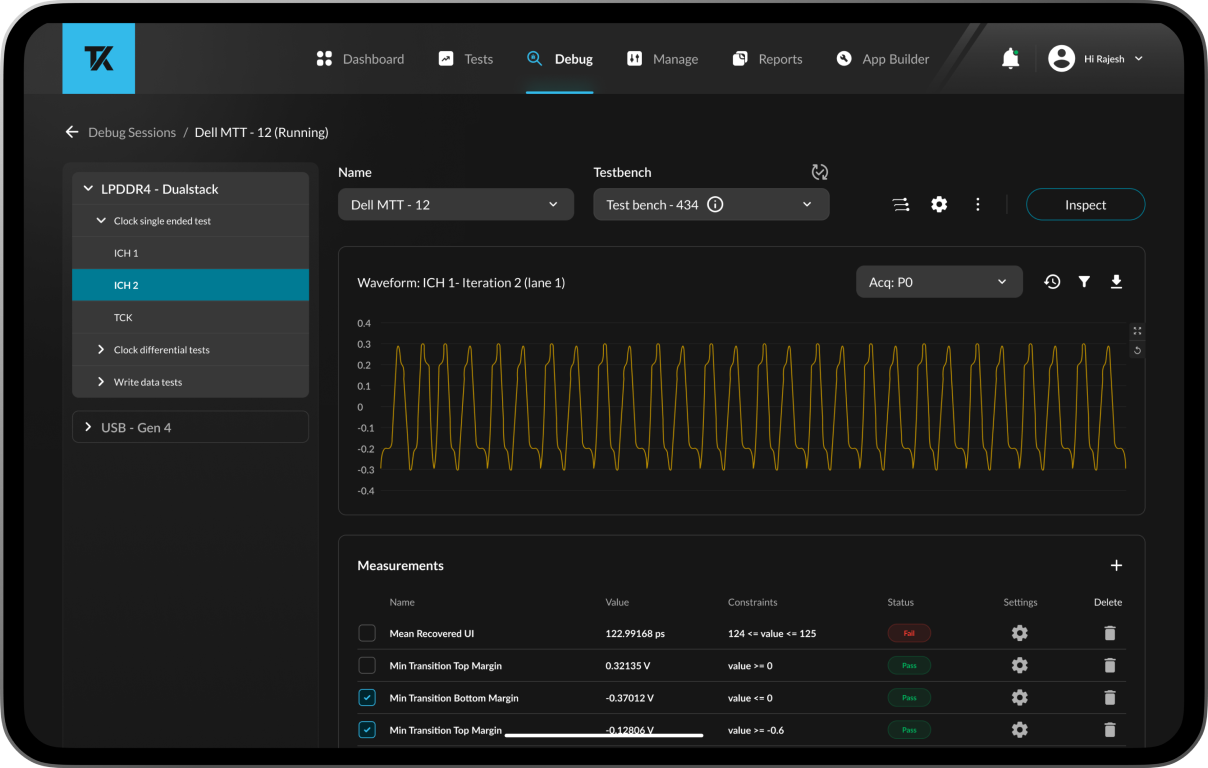
Debug
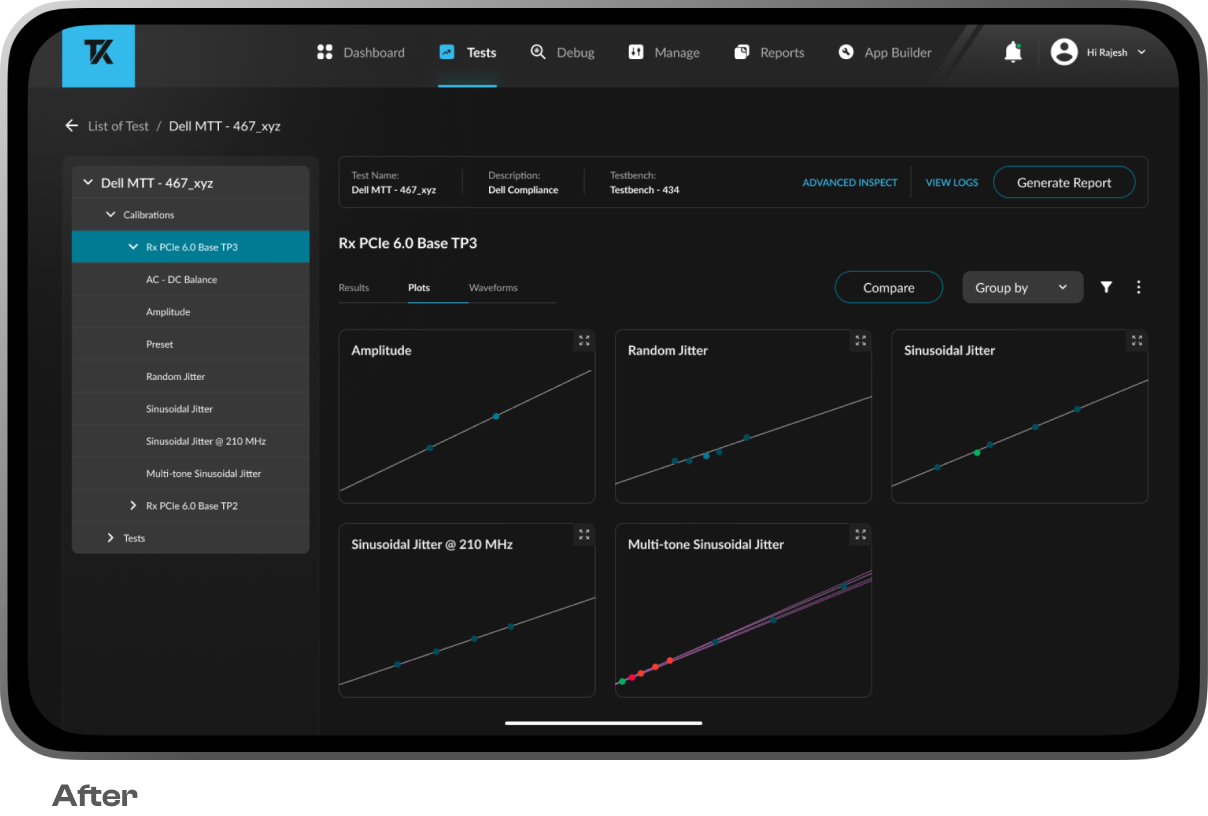
Empowers the user to observe and rectify any of the previously run tests. The user can dive deep into the specifics and details about each measurement and debug the same.
Test creation
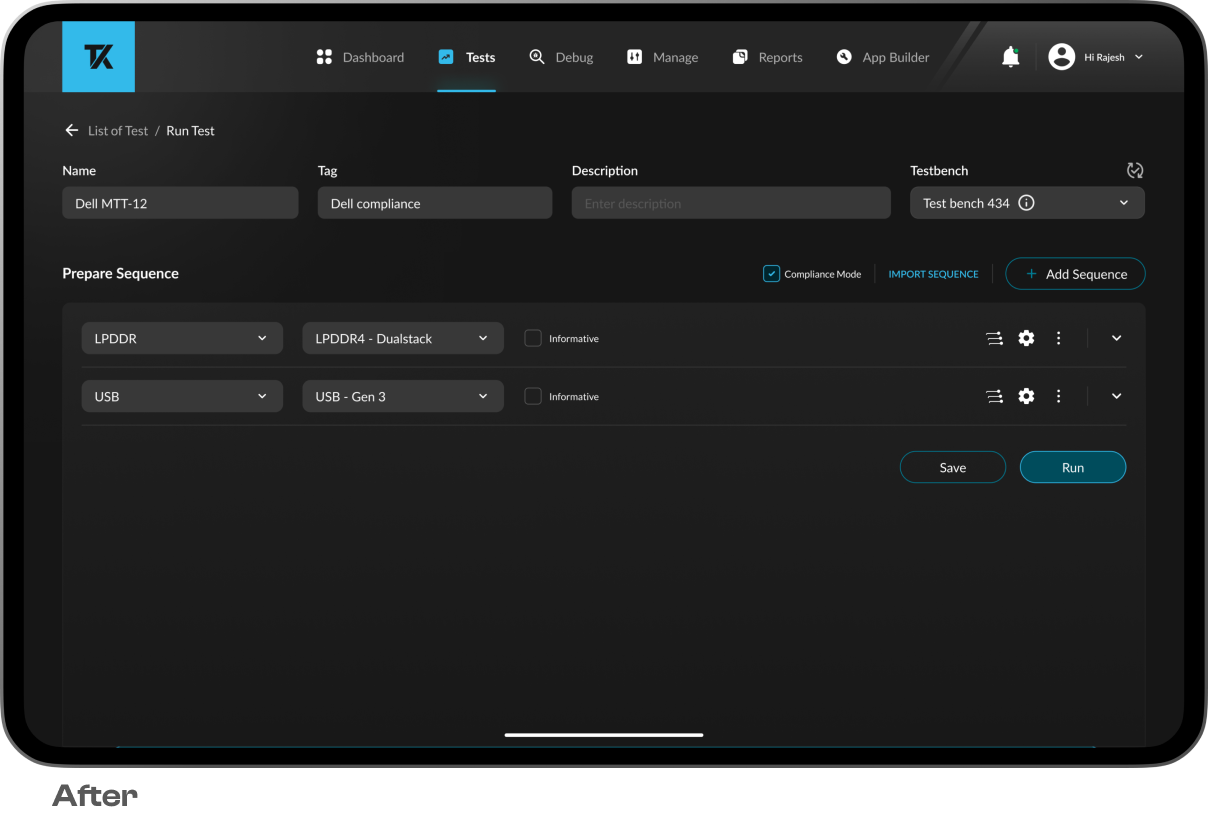
Test section enables the user to have an overview of all the tests currently running and a history of tests. Used to create a sequence of tests and configure. The design facilitates parallel tests, supports multi-technology runs, and ensures ease in setup and configurations, enabling test sequence automation.
Reports
Report section allows the user to select multiple tests from the library and generate reports for the same. Users can choose and customise report content, including plots and logos, with the flexibility to export in multiple formats for easy sharing via email and in other software, improving test reporting.
Impact by design
Expert interface
Expert interface allows the user access to any area of the software without hindering workflow
Reduced test times
Intuitive settings configuration minimises setup time, allowing more focus on actual experimentation
Value comparison
In-place comparison of values for better experimentation and reduced trial and error, increasing productivity
Parallel workflow
Can run a host of tests from a single dashboard and monitor multiple tests from a single dashboard